What's new in Timeline, the features and fixes we've shipped, newest first.
August 16, 2026
New
A Priority folder that's always there
Every account now has a permanent Priority folder. It can't be deleted or renamed, it's simply always available, pinned above everything else.
Put anything that has to stay in view into it: those tasks stay visible and carry over from day to day until they're actually done, so nothing important quietly slips off the bottom of the timeline.
Priority used to be a switch you turned on per folder. Now it's built into this one dedicated folder, so that toggle is gone from the folder settings, one less thing to set up.
August 15, 2026
New
A guided tour, now in three sizes
Opening the tour now starts with a quick choice, so you can take exactly as much of a walkthrough as you want:
Basic, the five essentials: your timeline, planning mode, holding a planned entry, sorting into folders, and the Day Report.
Advanced, the organising layer: managing folders, folder modes, the toolbar, and how the timeline reads.
More, the full, step-by-step walkthrough of every feature.
You can switch tiers any time from the account menu, and the tour remembers where you are even as it moves you between screens.
August 15, 2026
Fixed
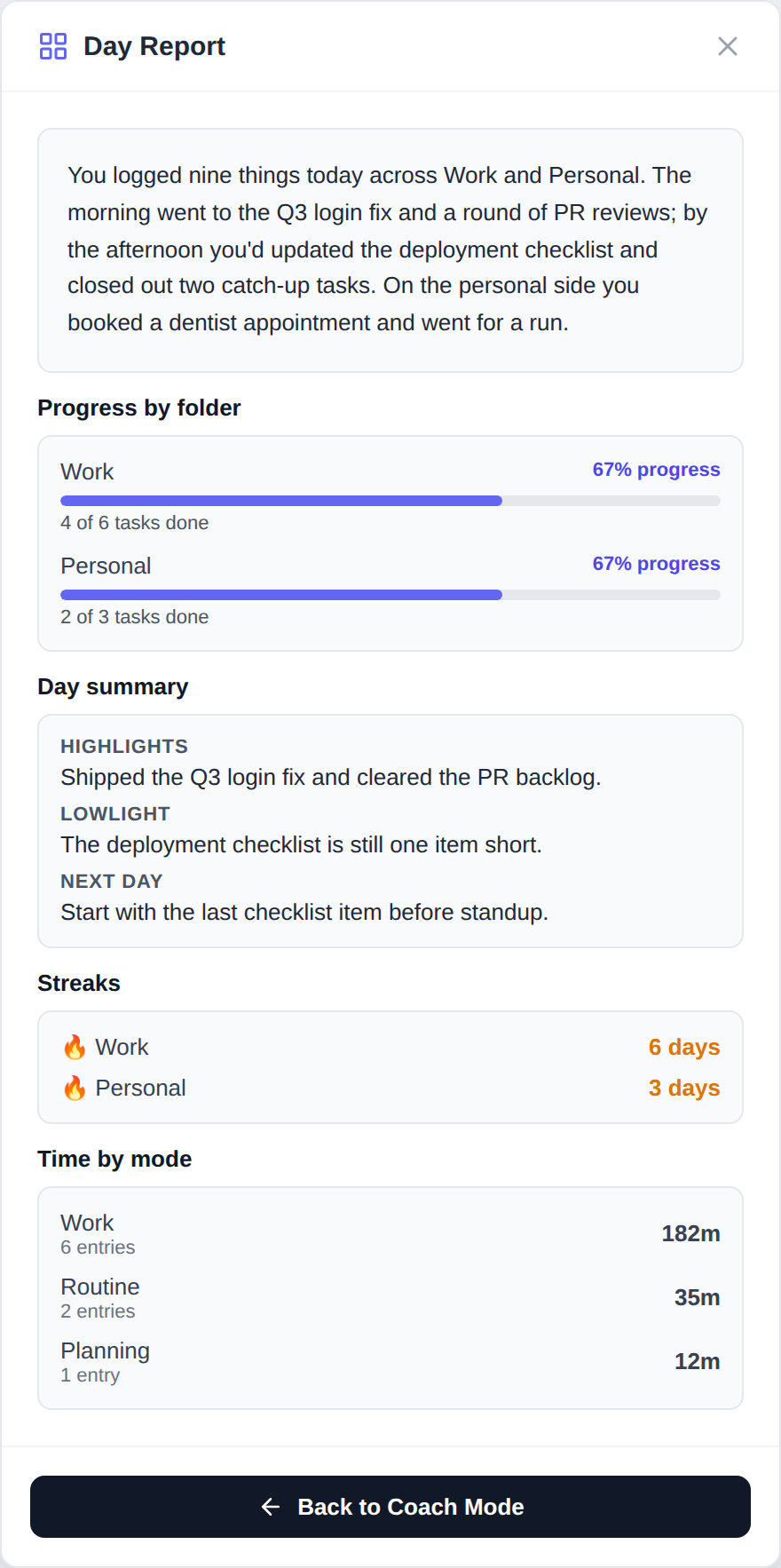
Day Report is back, and now it's real
The Day Report was crashing as soon as it opened. That's fixed. While we were in there, we rebuilt it to run entirely on your own data instead of placeholder text.
Your narrative, highlights and next-day suggestion are now generated from the tasks you actually logged today, and the structural sections are computed straight from your data:
Progress by folder, the real share of today's tasks you've completed.
Streaks, the true count of consecutive days each folder has activity.
Time by mode, your actual modes, entries and minutes.